ESP32 TTGO
Step 1: Install the USB to UART Bridge VCP Drivers
Follow the directions here:
https://www.silabs.com/developers/usb-to-uart-bridge-vcp-drivers
Test this by running the ``ls -l /dev/cu*``` and verify you see:
/dev/cu.SLAB_USBtoUART
If you don't see this try to reboot.
Mac:
https://docs.espressif.com/projects/esp-idf/en/latest/esp32/get-started/establish-serial-connection.html
https://github.com/loboris/MicroPython_ESP32_psRAM_LoBo/raw/master/MicroPython_BUILD/firmware/MicroPython_LoBo_esp32_all.zip
Step 2: Create a Python Conda Environment for ESP32
This is so we don't mess up other Python projects on your system.
| conda create -n esp32 python=3
conda activate esp32
|
| $ pip3 install esptool
Collecting esptool
Downloading esptool-3.0.tar.gz (149 kB)
|████████████████████████████████| 149 kB 2.9 MB/s
...
Installing collected packages: pycparser, six, cffi, reedsolo, pyserial, ecdsa, cryptography, bitstring, esptool
Successfully installed bitstring-3.1.7 cffi-1.14.5 cryptography-3.4.6 ecdsa-0.16.1 esptool-3.0 pycparser-2.20 pyserial-3.5 reedsolo-1.5.4 six-1.15.0
|
Step 4: Erase the Old Firmware
| esptool.py --port /dev/cu.SLAB_USBtoUART erase_flash
|
Step 5: Download the New Firmware
Get the ESP32_All prebuilt binary:
https://github.com/loboris/MicroPython_ESP32_psRAM_LoBo/wiki/firmwares
Step 6: Reflash the new ESP32 Firmware
| cd esp32_all/
../flash.sh -p /dev/cu.SLAB_USBtoUART
|
this will run...
1
2
3
4
5
6
7
8
9
10
11
12
13
14
15 | $ esptool.py --port /dev/cu.SLAB_USBtoUART erase_flash
esptool.py v3.0
Serial port /dev/cu.SLAB_USBtoUART
Connecting........_
Detecting chip type... ESP32
Chip is ESP32-D0WDQ6 (revision 1)
Features: WiFi, BT, Dual Core, 240MHz, VRef calibration in efuse, Coding Scheme None
Crystal is 40MHz
MAC: 24:62:ab:ca:62:84
Uploading stub...
Running stub...
Stub running...
Erasing flash (this may take a while)...
Chip erase completed successfully in 2.5s
Hard resetting via RTS pin...
|
Set the Serial Port
Set the Interpreter
Run a test
1
2
3
4
5
6
7
8
9
10
11
12
13
14
15
16
17
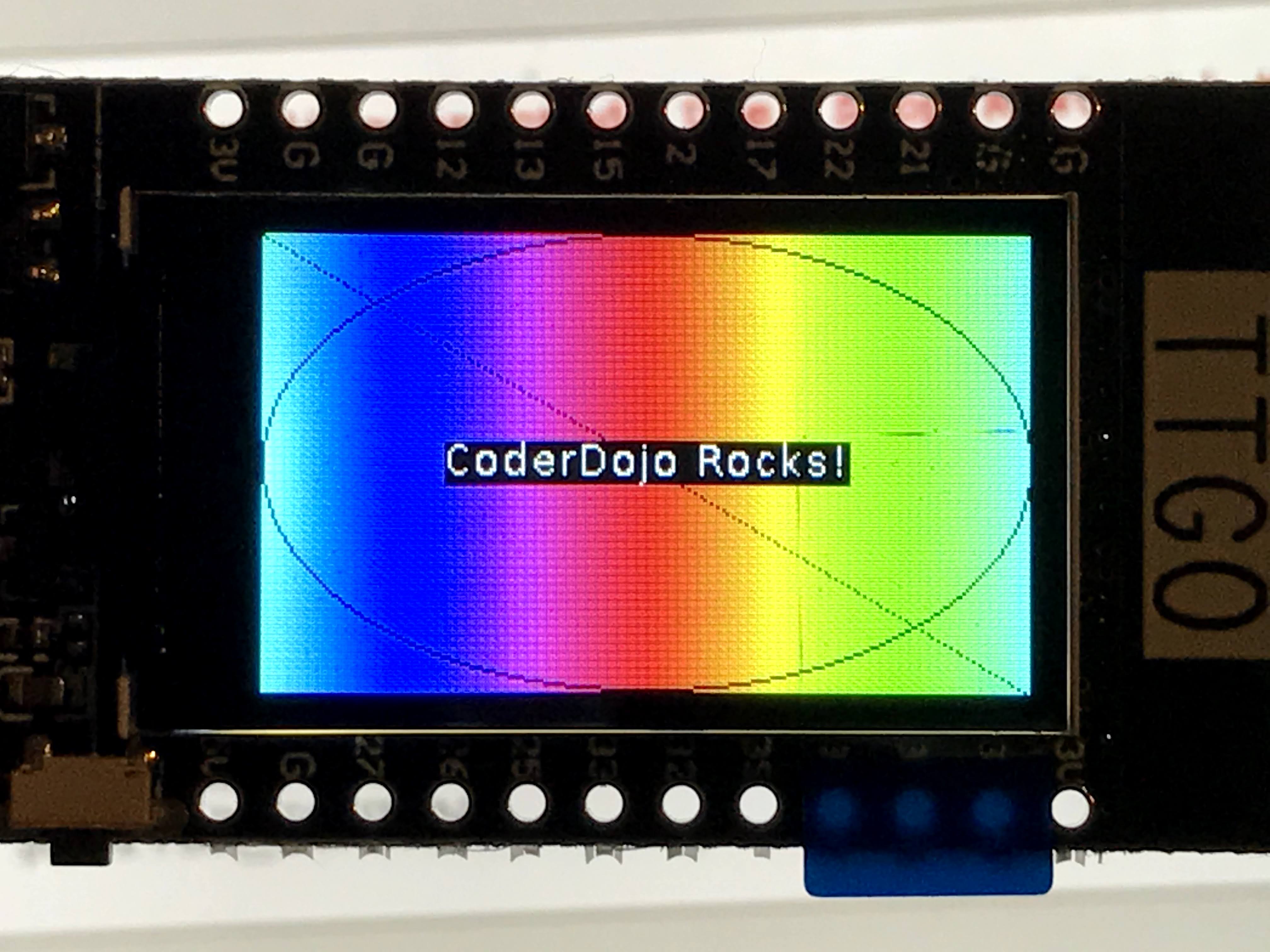
18 | import machine, display, time, math, network, utime
tft = display.TFT()
tft.init(tft.ST7789,bgr=False,rot=tft.LANDSCAPE, miso=17,backl_pin=4,backl_on=1, mosi=19, clk=18, cs=5, dc=16)
tft.setwin(40,52,320,240)
for i in range(0,241):
color=0xFFFFFF-tft.hsb2rgb(i/241*360, 1, 1)
tft.line(i,0,i,135,color)
tft.set_fg(0x000000)
tft.ellipse(120,67,120,67)
tft.line(0,0,240,135)
text="CoderDojo Rocks!"
tft.text(120-int(tft.textWidth(text)/2),67-int(tft.fontSize()[1]/2),text,0xFFFFFF)
|
References
https://www.instructables.com/TTGO-color-Display-With-Micropython-TTGO-T-display/